
The online registration process is similar to online shopping. When you find a course you would like to take, click "Add to Cart." When you are ready to checkout and pay, go to the Cart and you will be asked to login.
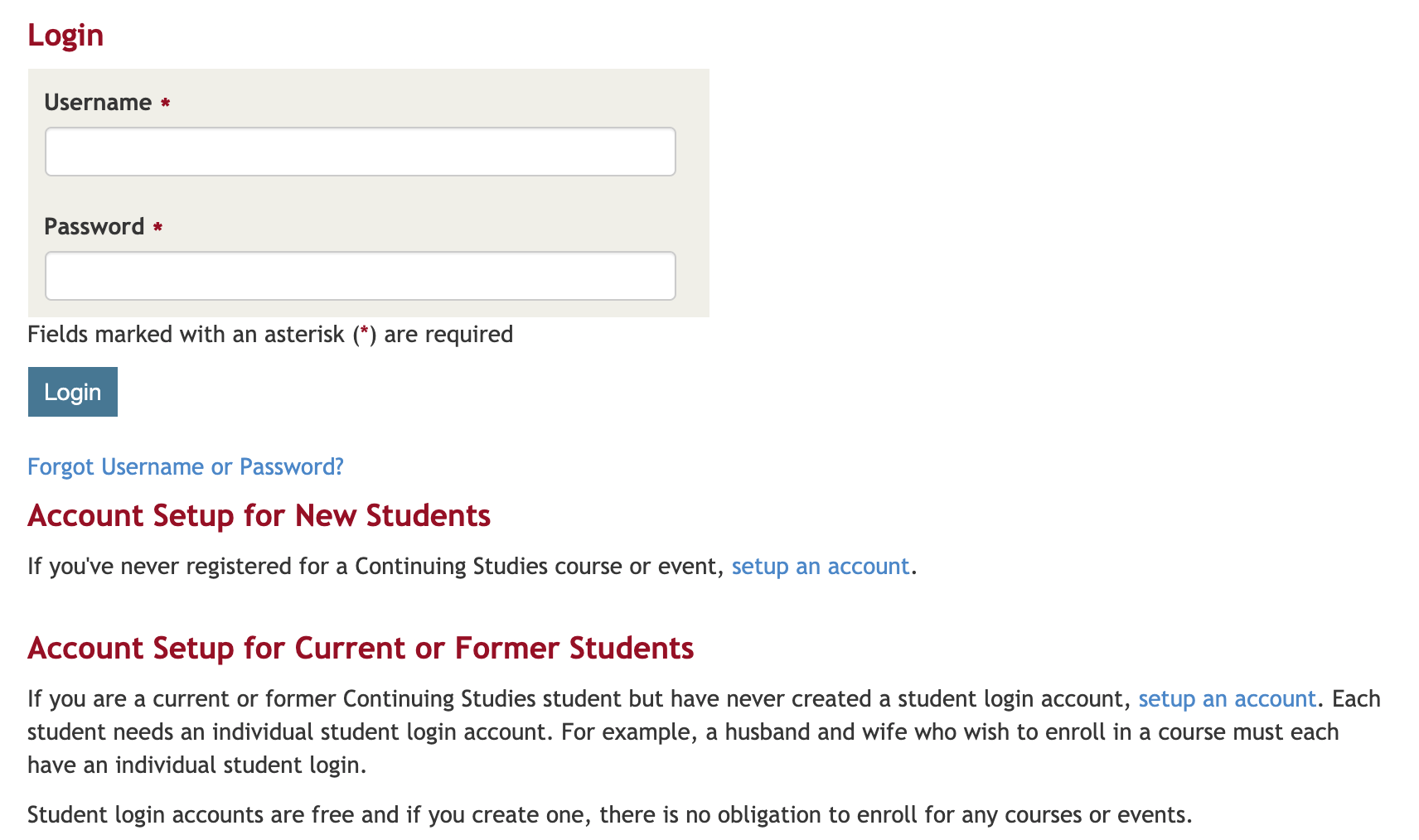
- If this is your first time taking a course with Continuing Studies, go to Account Setup for New Students, and click "setup an account."
- If you have taken courses with us before, but this will be your first time registering online, you should go to the Account Setup for Current or Former Students, and click that "setup an account" link. You will need your Continuing Studies student ID number to complete the setup. If you have a registration confirmation from a prior course, the student ID is on the first page under your name. Please contact our office if you need assistance.
See also: How to Register
Comments
0 comments
Article is closed for comments.